



Monkeyzino Mobile App
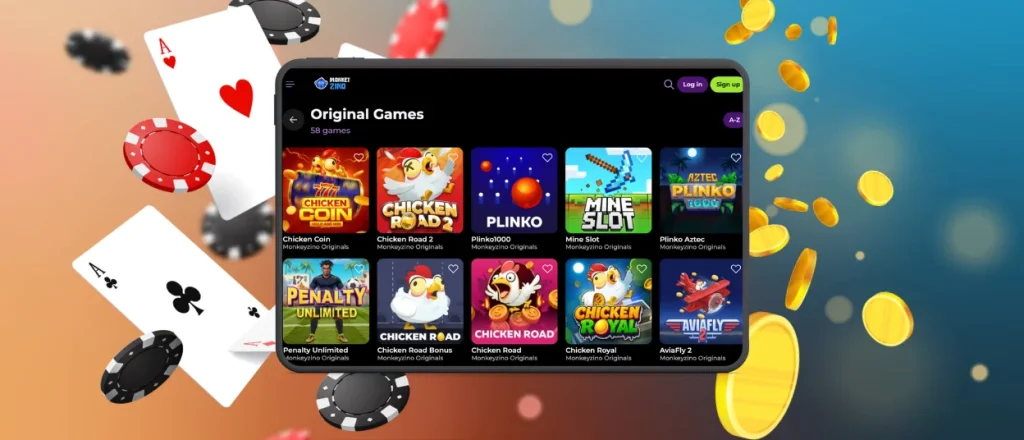
The Monkeyzino app provides a casino gaming experience on every handheld device. This solution functions as a Progressive Web App to remove the requirement for large downloads. Users set up the utility through a mobile browser to place an icon on the home screen. The software hosts every title and reward found on the desktop platform.
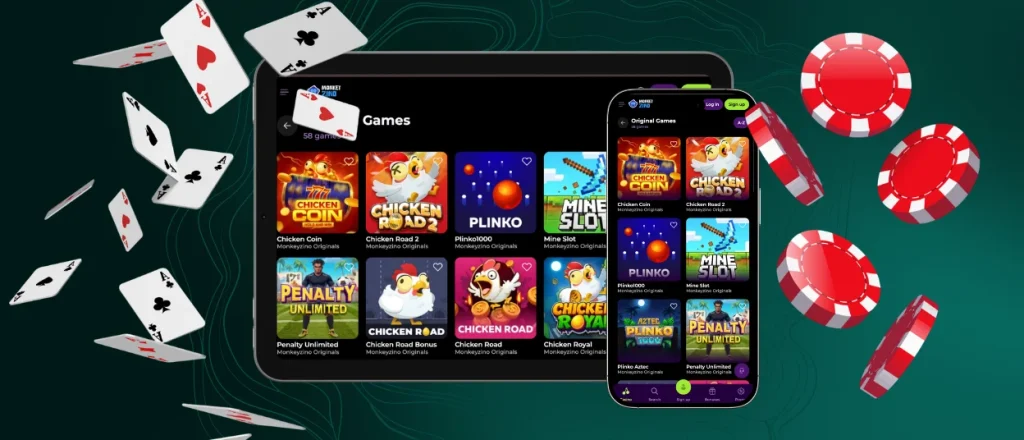
Our Monkeyzino app keeps mobile access close to the desktop platform without changing the main account structure.



Technical Benefits of the Mobile Platform
Technical changes occur when players transition to the Monkeyzino Casino app. Portability remains the primary difference between hardware versions. Desktop sessions require a fixed location. Mobile gambling happens in any environment. The Monkeyzino app fits into daily routines during travel or breaks.
PWA technology provides specific advantages over standard browser navigation:
| Mobile Feature | What It Adds |
| Battery use | The app keeps battery consumption lower than long sessions inside regular browser tabs. |
| Storage impact | The iOS and Android apps occupy a small fraction of device memory. |
| Loading speed | Cached resources help pages and game sections open faster after the initial session. |
| Push notifications | Alerts cover new site deals, tournament times and account status. |
| Full-screen mode | The interface removes the browser address bar to provide more space for mobile slots and table games. |
| Store-free setup | The Monkeyzino app uses browser-based setup instead of external application stores. |
PWA technology runs through the browser, while caching supports fast loading during regular use. Live dealer streams and real-time features require a stable signal for optimal quality.
The Monkeyzino download app process stays browser-based, so members complete setup through the Monkeyzino website without using external application stores.
Monkeyzino App for Android
Android setup runs through Chrome. This browser supports the Android app process and creates a home screen shortcut from the official website.
- Launch Chrome on your Android phone or tablet and visit our website.
- Wait for the lobby to load completely.
- Access the three-dot menu in the top right corner of the browser.
- Select the Add to Home Screen option.
- Confirm the action to place the shortcut on your display.
The Monkeyzino app download for Android ends when tapping the icon opens the lobby directly. The mobile utility then works like a standalone browser-based tool.
APK Security
Risks exist with unverified APK file versions from outside sources. We do not provide a Monkeyzino APK to protect our members. Third-party sites offer files that lack security checks. Modification of those files leads to malware risks or data theft.
Our team selected PWA technology to avoid these threats. No unknown files enter the hardware during the setup. Any external file found on unofficial sites remains unauthorized. Using our official website keeps your profile data safe.
Playing on iOS
iPhone and iPad run the Monkeyzino app via the Safari browser. Every Apple device utilizes this specific software to create a home screen shortcut for your profile.
Use these steps to start the process:
- Access our official URL using the Safari mobile browser.
- Hit the Share icon featuring an upward arrow.
- Scroll through the options to select Add to Home Screen.
- Confirm the name of the shortcut and tap Add to place the icon on your home screen.
The iOS app setup keeps account data synchronized across your Apple ecosystem. The Monkey Zino app keeps the same account structure on iPhone and iPad, so members recognize the lobby after setup. Launching from the home screen removes browser clutter like address bars and tabs to leave only the gaming lobby. This standalone window supports focused mobile gambling sessions on any iPhone model. Members navigate through mobile slots, mobile betting and payments using an interface scaled for their specific screen resolution. The PWA architecture allows the site to behave like a native tool without using the App Store. The Monkeyzino app keeps this setup consistent across iPhone and iPad devices.
Monkeyzino Application for Desktop
Desktop users find an installation icon inside the browser address bar. This icon often appears as a screen with an arrow. One click adds the Monkeyzino app to your taskbar or desktop.
This setup provides several benefits:
- The lobby opens faster than standard browser tabs.
- Push alerts function without errors.
- The software window acts as an independent program.
Laptops and computers offer a stable environment for long sessions. The Monkeyzino app keeps desktop access separate from standard browser tabs, which makes regular usage more direct.
This format is useful for members who move between devices during the day. The Monkey Zino app format stays consistent across desktop, iOS and Android, so navigation remains familiar across sessions. Opening the platform from a saved icon also reduces extra browser steps and keeps the lobby, cashier and support areas accessible from one dedicated window.

FAQ
Are deposits protected in the mobile casino?
Security layers on the Monkeyzino app remain identical to the main website. TLS encryption handles every bit of data in transit. Financial transactions move through the same protected processing channels regardless of the hardware you use.
Do I need to update the Monkeyzino app?
Manual updates aren’t required for our software. Every launch triggers an automatic check for new versions. The system applies technical improvements in the background before your session begins.
Can I upload verification documents through the app?
The identity check area remains fully accessible on mobile devices. Document uploads follow the same process used on computers. Sensors on your phone take photos for immediate submission to our team.
How does a PWA differ from a regular app?
Traditional applications require specific operating systems and manual updates from a store. They occupy significant storage space. Our PWA build installs via the browser and updates automatically. It uses minimal memory and works across all platforms.


